DS API Gateway
Introduction
When calling the 3DEXPERIENCE™ webservices via the centralized API Gateway, one requirement is to always include a token (or API Gateway Key) in every request being made.
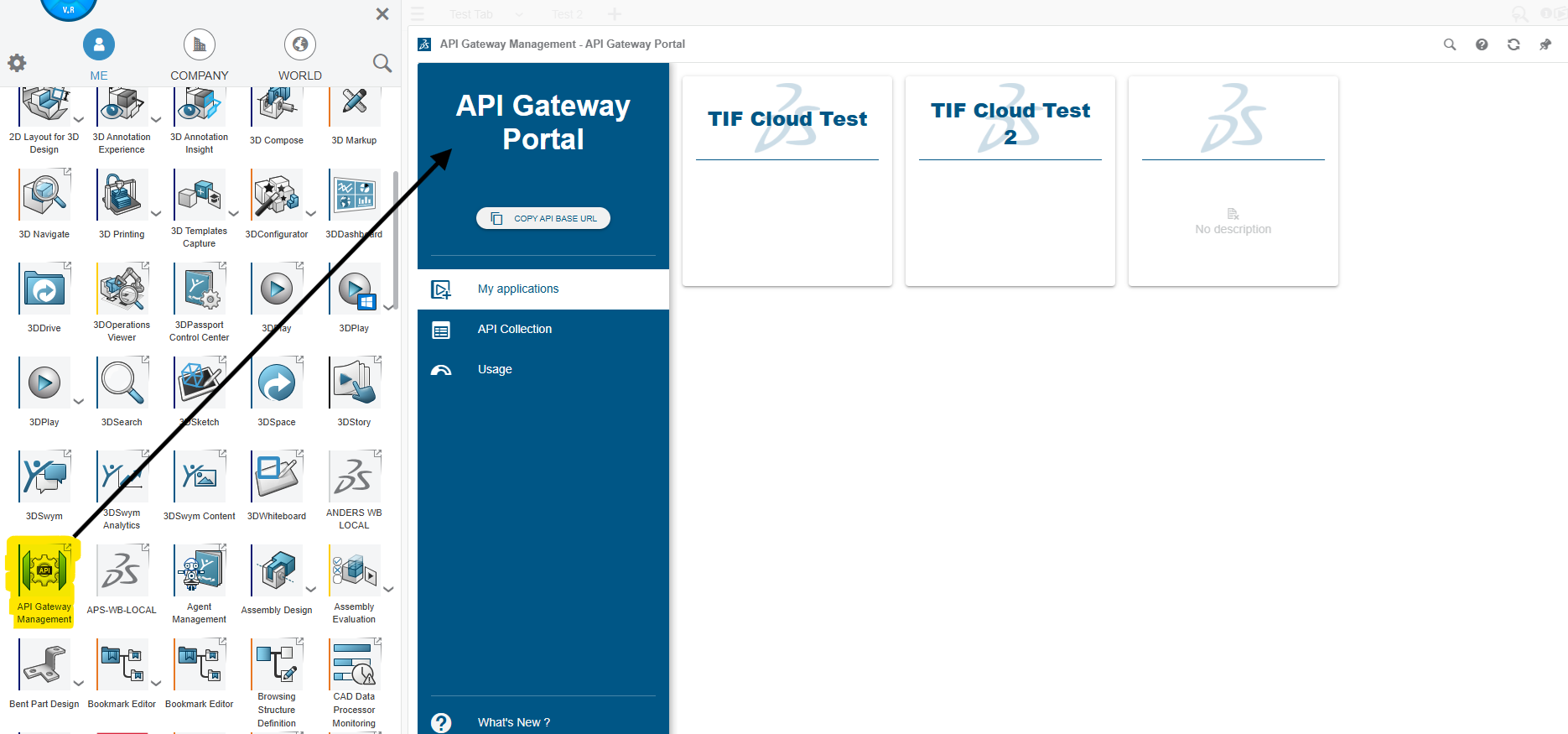
These tokens are created and administrated via the API Gateway Portal in the 3D Dashboard as shown in the image below.
The API Gateway gives a few benefits such as:
-
Each token can be granted access to either the full API or a selected portion of the API
-
One base URL for all services
-
Monitor API usage from the 3D Dashboard widget
The downside is that not all APIs are supported via the API Gateway, but hopefully this is a transient problem that will be solved.
Configure TIF for API Gateway
Your tenant in TIF can be configured to use the API Gateway from the Settings → Cloud Settings → Connection page.
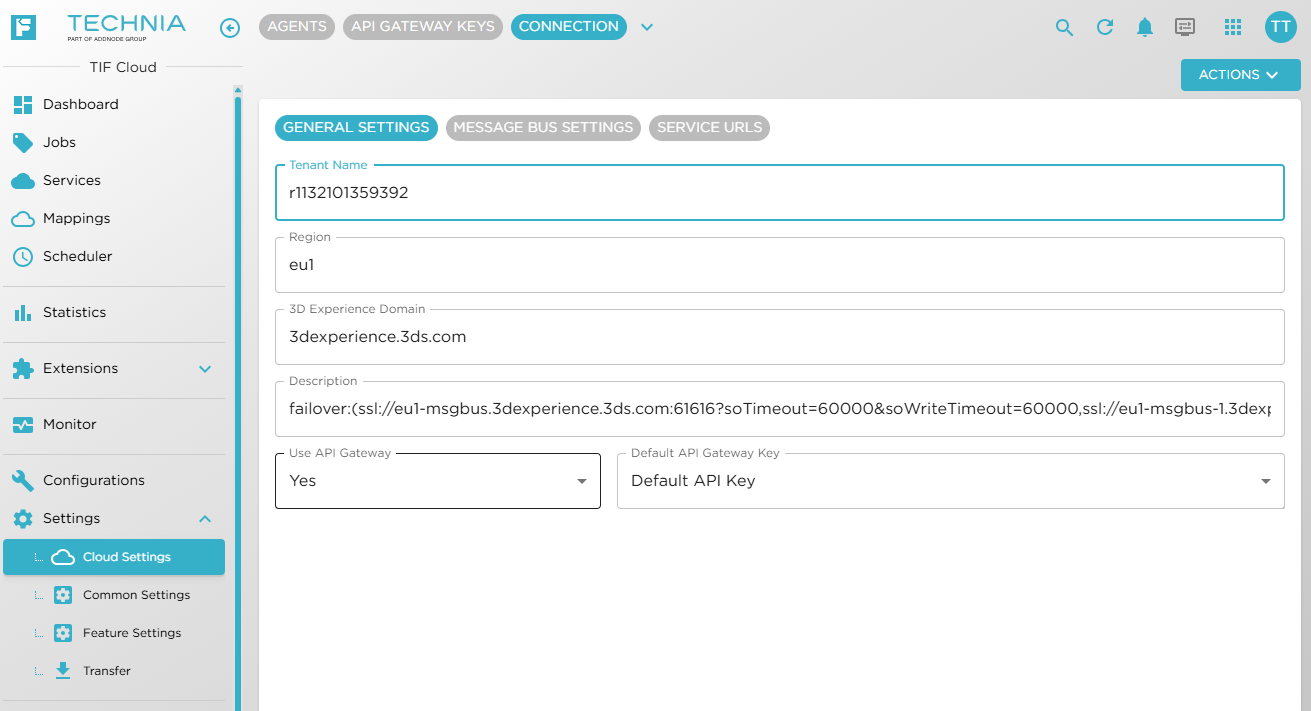
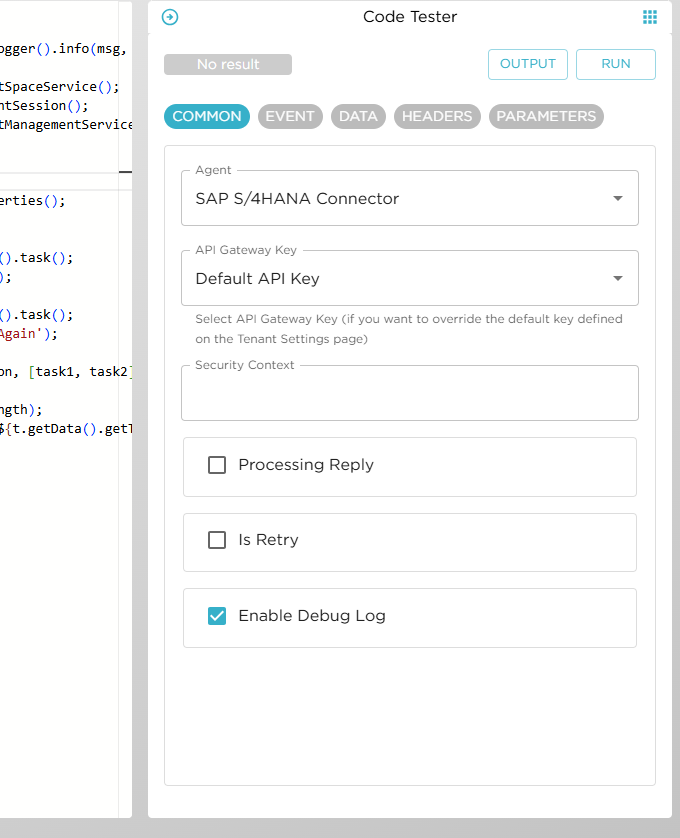
When API Gateway mode is enabled, you must select a key that will be used as a fallback key OR the default key.
A simple start is to create one API Gateway Key that gives full access to the Dassault Systèmes REST APIs. In such case, you will be fine by only configuring this key on this screen and not manage different keys per Event/REST mapping or Scheduled Task.
Configure API Gateway Key per Use Case
On the Event/REST mapping or Scheduled Task, you can configure individually per use case the API Gateway Key to be used.
If API Gateway mode is enabled, but no key is configured on the actual Event/REST mapping or Scheduled Task, then the default/fallback key configured on the connection screen will be used.
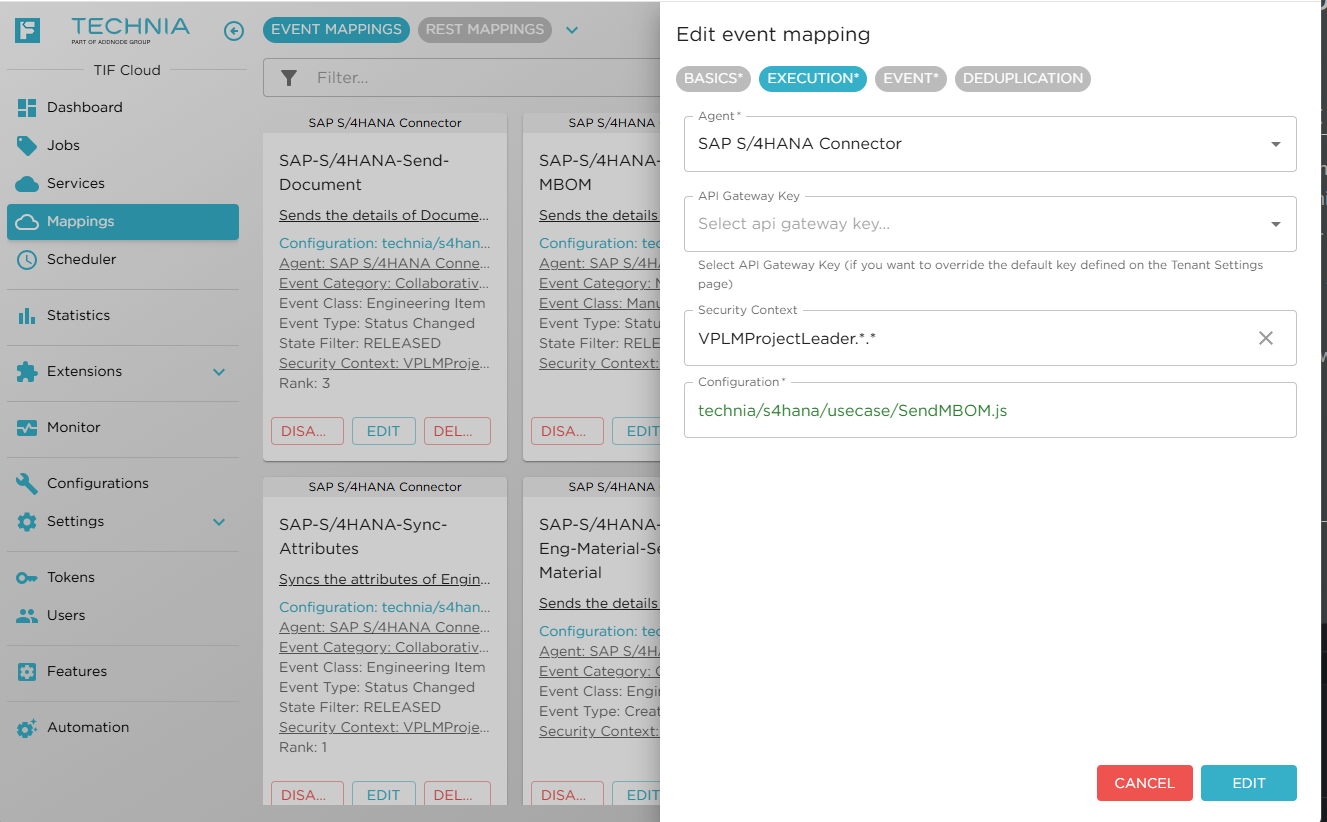
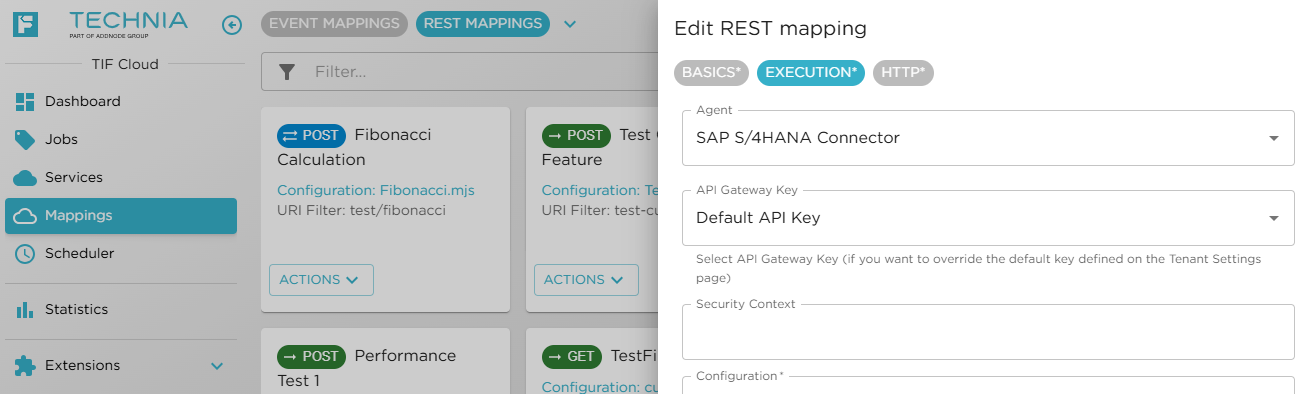
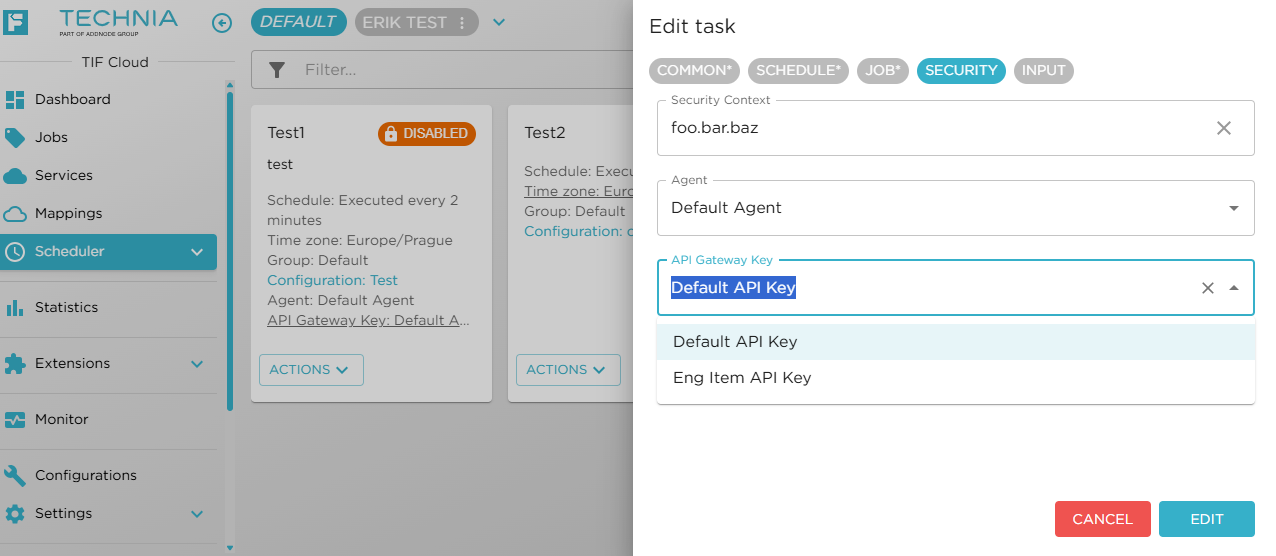
| The API Gateway Key field is not visible if API Gateway mode is disabled. |